Privacy
Your notes stay on your device and in your own iCloud account. App Store builds may send anonymous usage and crash diagnostics — never the content of your notes.
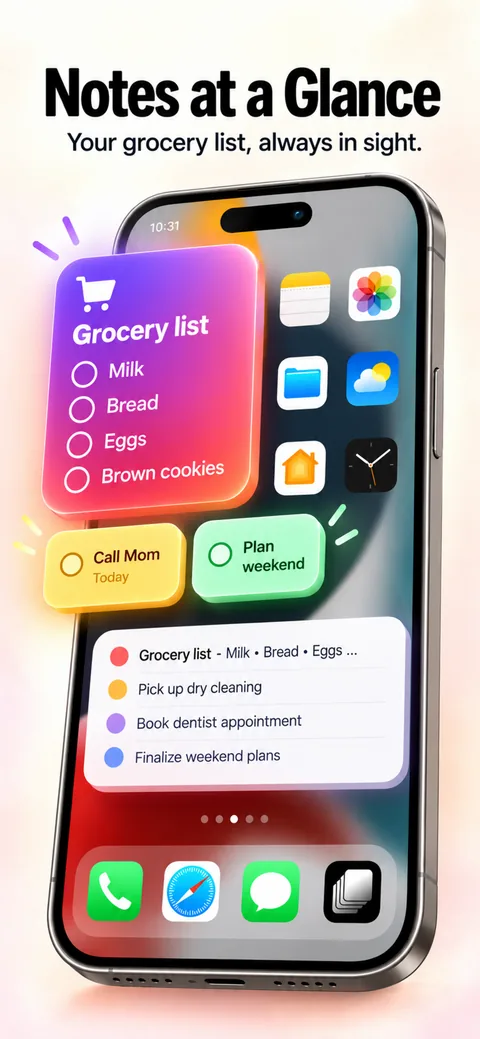
Keep important notes where you can see them.
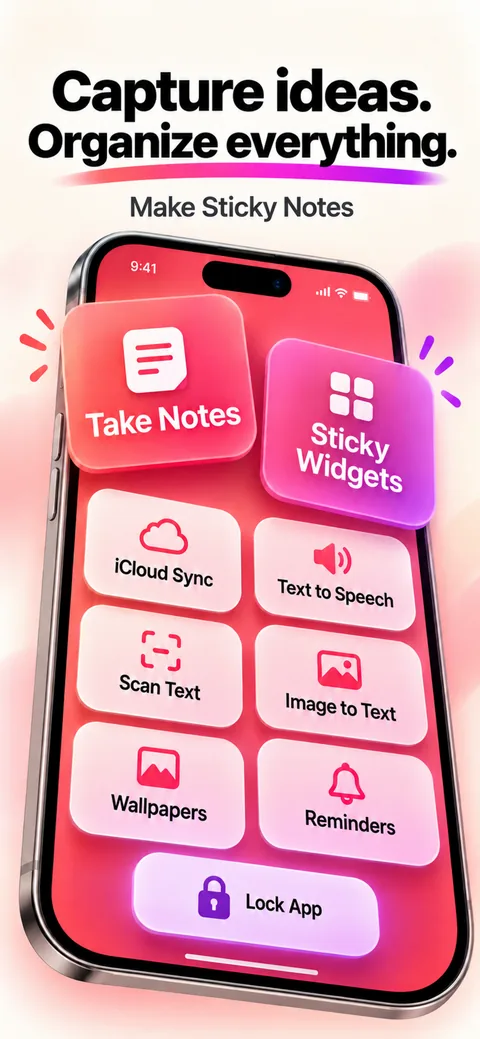
Sticky notes, checklists, voice memos, scans and drawings in one private space — with widgets that keep what matters on your Home Screen and Lock Screen.
Screenshots
Features
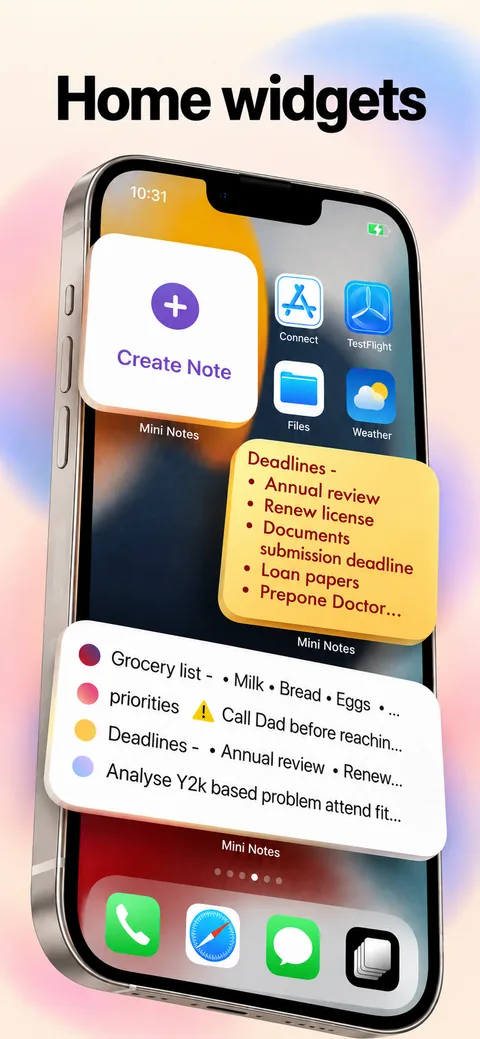
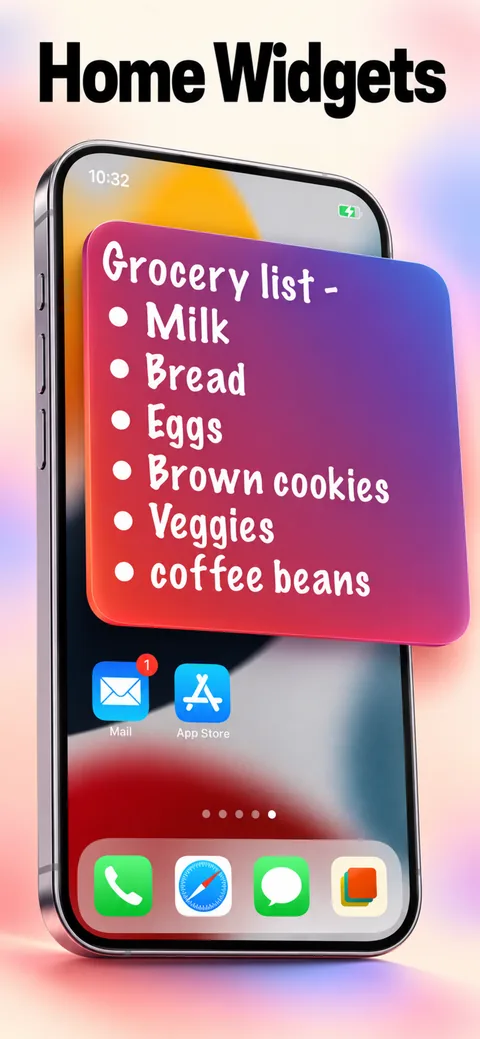
Home Screen and Lock Screen widgets keep your important notes in view.
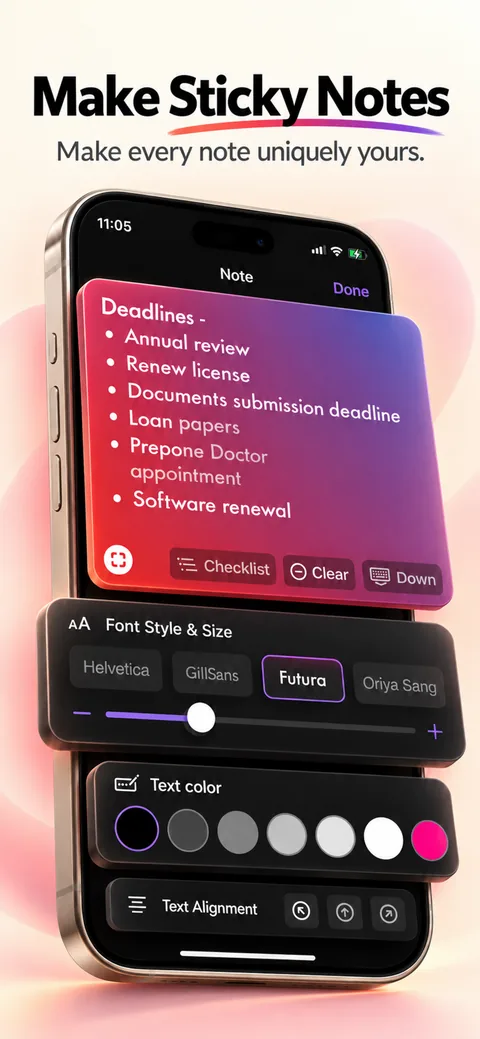
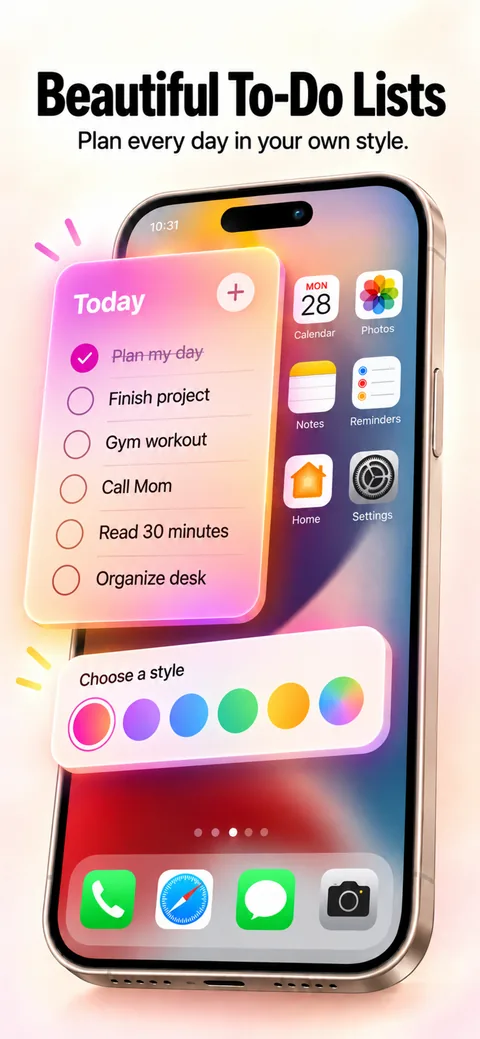
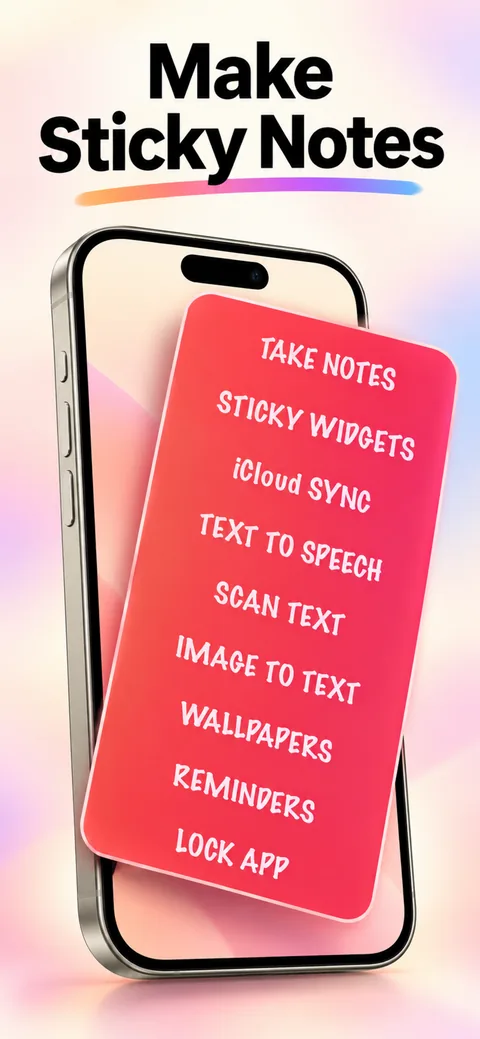
Type notes, tick off checklists, record voice memos, scan documents and draw.
Record a thought, then transcribe it on device.
Scan a document and pull the text out of it.
Set reminders, count down to important dates and run Pomodoro focus sessions.
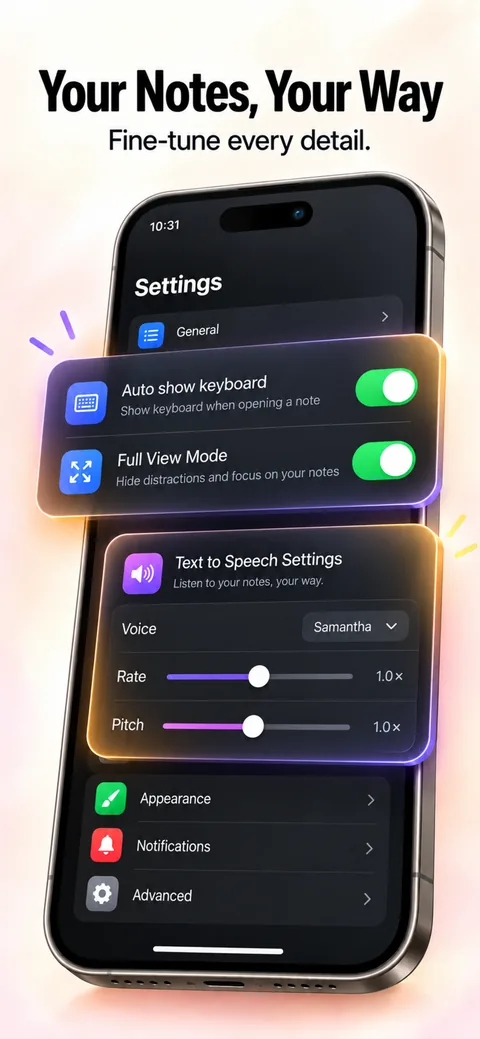
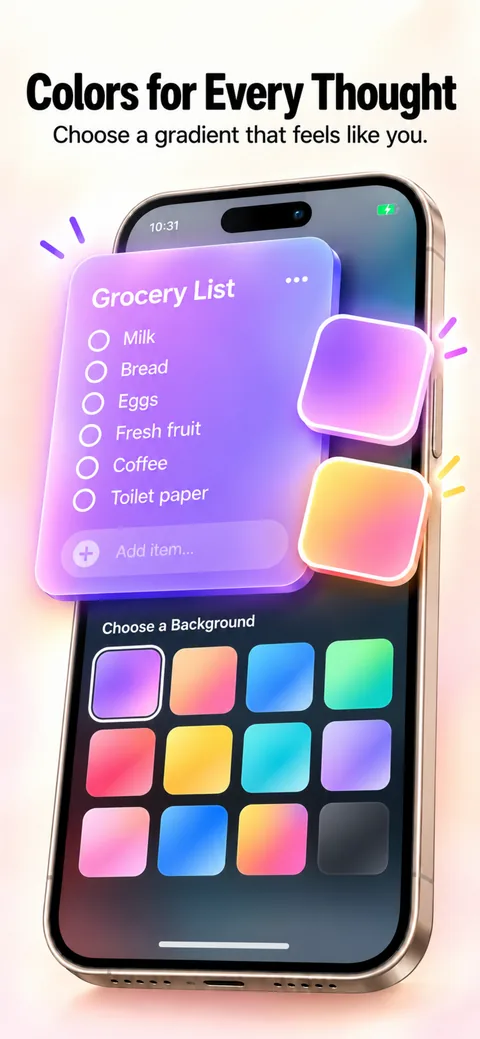
Folders, favourites, themes, colours and wallpapers.
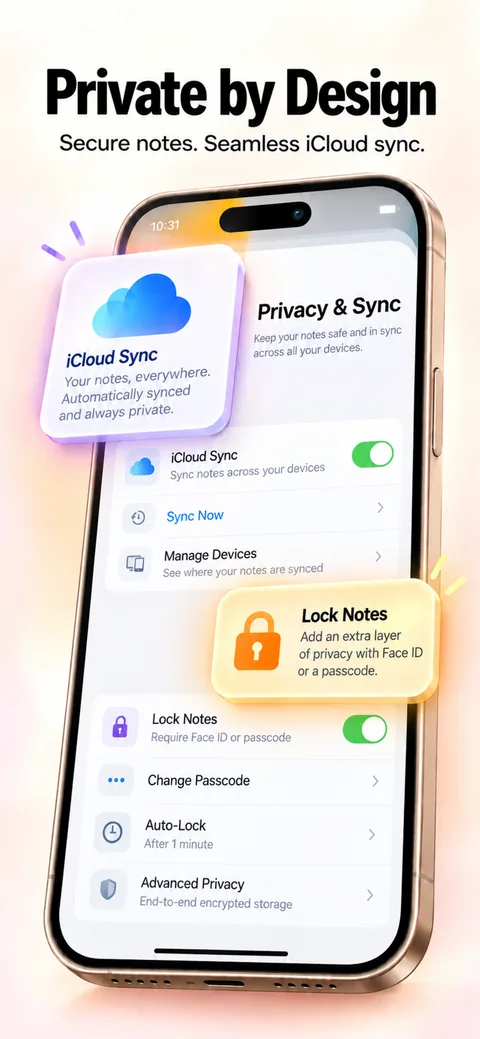
Keep notes behind Face ID or a passcode.
Your notes follow you across iPhone, iPad and Mac in your private iCloud.
How it works
Choose the kind of note you need: text, checklist, voice, scan or drawing.
Pin the important ones to a Home Screen or Lock Screen widget.
Edit once and it stays in sync across your Apple devices.
Your notes stay on your device and in your own iCloud account. App Store builds may send anonymous usage and crash diagnostics — never the content of your notes.
Free to try for 11 app sessions. Then choose monthly, yearly or lifetime access — prices for your region are shown before you buy.
Questions
No. Your notes live on your device and in your own iCloud account. Mini Notes doesn't run a server that stores them.
Yes. Mini Notes syncs through iCloud across iPhone, iPad and Mac.
Touch and hold an empty area of your Home Screen, tap Edit, then Add Widget, and choose Mini Notes.
You can try it for 11 app sessions. After that, choose monthly, yearly or lifetime access.
More apps